


How to Claim GAG2 Items from AOEAH | Mailbox Guide
How to Claim Your GAG2 Items Purchased from AOEAH
1.AOEAH delivers your items via in‑game mail
After your purchase is completed, AOEAH sends all GAG2 items directly to your in‑game mailbox. No manual trade is required.

2.Open your GAG2 mailbox
Go into the game and open your Mailbox. You will see the items sent by AOEAH listed there.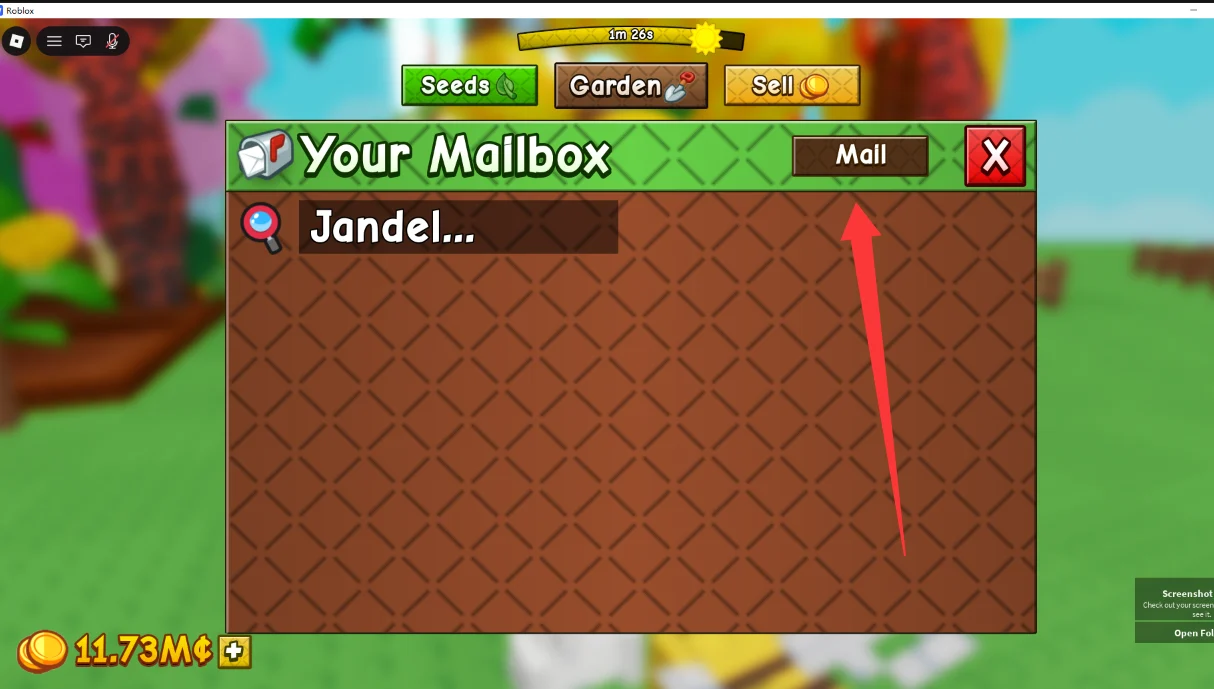
3. Claim the items
Click Claim to receive the items. Once claimed, they will automatically appear in your game inventory.
4. Check your inventory
Open your Inventory to confirm the items have been added successfully.